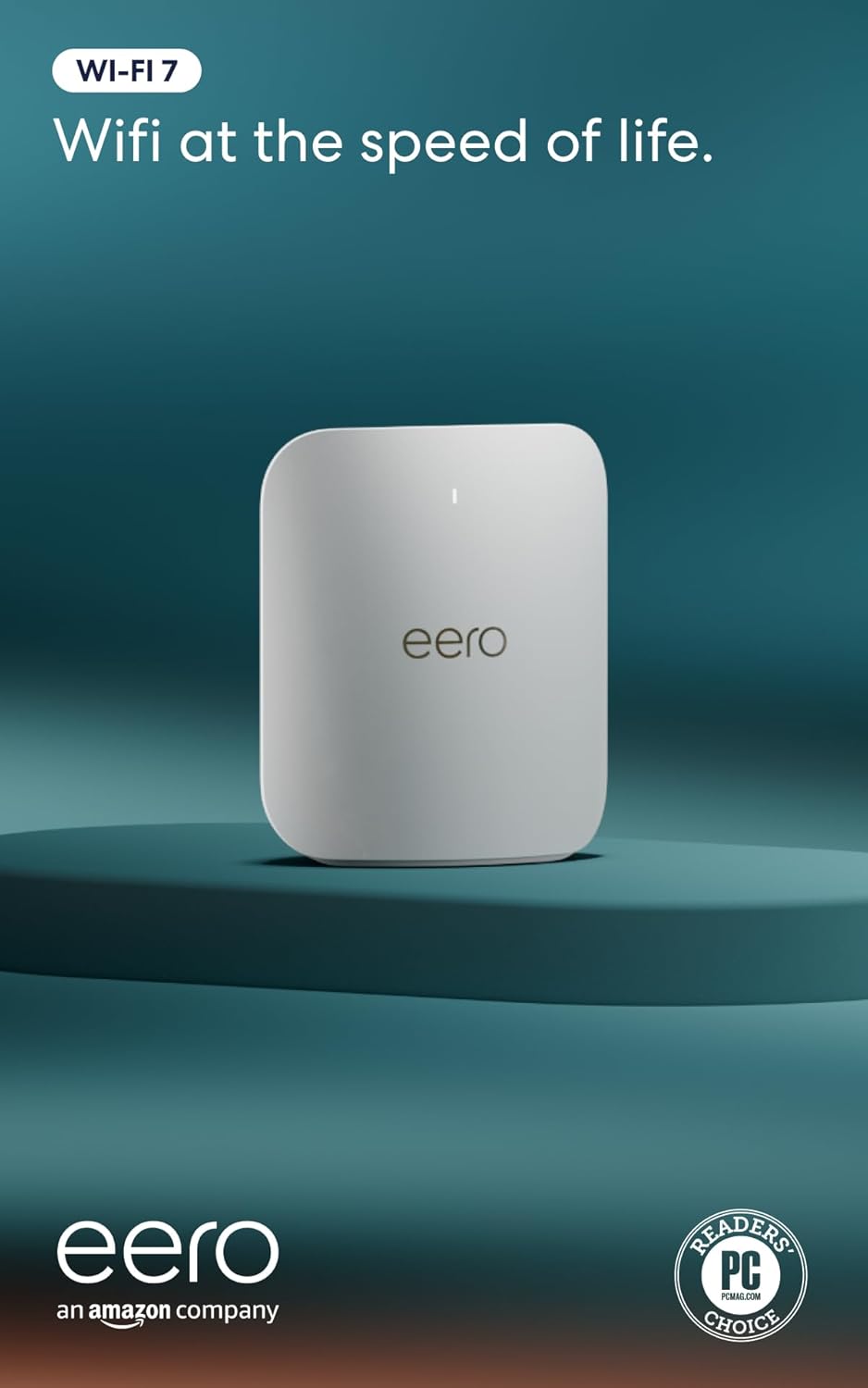
eero Pro 7 mesh (2-pack)
Why this one: The rare consumer mesh with true SQM (Smart Queue Management — the actual fix for bufferbloat, not the 'gaming QoS' checkbox most routers ship): eero's 'optimize for conferencing and gaming' runs real queue management at up to 1 Gbps, so one device's download stops lagging everyone's calls. Two nodes cover ~4,000 sq ft with automatic load balancing between bands and nodes.
What it beat: TP-Link Deco BE63 (better specs-per-dollar, but the FCC's 2026 ban wave and ongoing scrutiny make its update future a gamble) and ASUS ZenWiFi (excellent hardware, but its adaptive QoS is not true SQM — bufferbloat survives it).
Tighter budget? Single eero Pro 7 ($300) for apartments; or if your home is small and wired, the ASUS RT-BE86U below.
eero's update record is strong (Amazon-owned, auto-updating, years of firmware support). The honest knock: advanced features increasingly push an eero Plus subscription, and Amazon ownership is itself a privacy consideration — the core mesh + SQM works free, forever.
Common concerns (3)
- What is bufferbloat, actually? — When uploads/downloads fill the router's queue, everything else (calls, games) waits behind them: lag spikes on a 'fast' connection. SQM keeps queues short. Test yours at waveform.com/tools/bufferbloat.
- Do I need Wi-Fi 7? — The mesh backhaul benefits even with old devices; client gains need 6GHz hardware. You're buying 5+ years of shelf life.
- Subscription required? — No: mesh, SQM, and updates are free. Plus adds security filtering/ad-blocking — skip it, or see the add-on below which does it better.